Best AI Music Video Generators for Character Consistency
Creating one impressive AI video clip is easier than ever.
A singer performing under neon lights. A cinematic camera movement. A futuristic world that looks like a Hollywood production.
But when you try to create an entire music video — 30, 50, or even 100 different shots — a much bigger challenge appears:
Can the same artist, character, and visual identity survive from the first scene to the last?
This is where character consistency becomes one of the most important factors when choosing an AI music video generator.
Many AI video tools can create beautiful individual shots. The real challenge is building a complete visual story where:
- •the singer still looks like the same person
- •clothing stays consistent
- •locations feel connected
- •camera changes do not break the character
- •the final video feels like one production instead of random AI clips
For musicians, this difference matters. A music video is not a collection of disconnected clips — it is a visual identity for an artist.
In this guide, we will compare the best AI music video generators for character consistency and explain what actually helps maintain the same character across a full song.
Why Character Consistency Matters in AI Music Videos
The biggest mistake creators make with AI video is focusing only on individual generations.
A single 8-second clip might look perfect.
But a real music video requires continuity.
Imagine creating a story-driven MV:
- 1
A singer walks through an empty city.
- 2
The singer performs inside a studio.
- 3
The singer appears on a concert stage.
- 4
The singer returns to the same city at night.
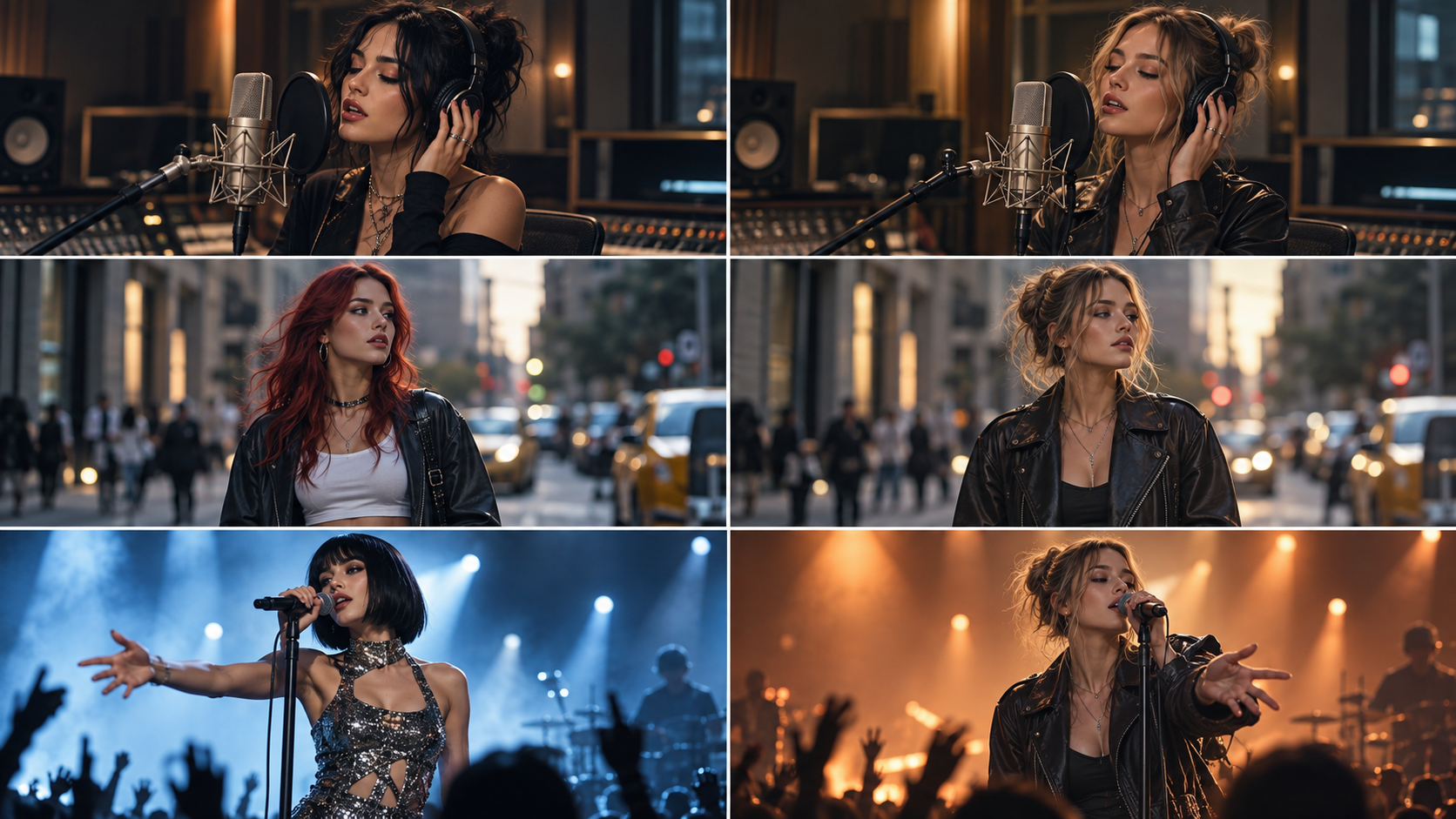
If every scene generates a different person, the audience stops seeing an artist and starts seeing unrelated AI characters.
This problem is often called character drift.
AI models do not automatically remember your character between every generation. Without proper references and workflow control, facial features, clothing, and proportions can gradually change.
For music creators, character consistency affects:
Artist Identity
Your audience should recognize the performer immediately.
A consistent AI-generated artist can become part of your brand.
Storytelling
Narrative music videos depend on continuity.
A character traveling through different locations only works when viewers believe it is the same person.
Production Quality
Professional music videos use:
- •repeated costumes
- •planned lighting
- •consistent locations
- •controlled camera direction
AI music videos need similar thinking.
The difference is that AI creators need the right tools and workflow.
Want a complete visual story instead of isolated clips?
Explore how AI can turn your song into a connected music video — with the same character from the first scene to the last.
Explore AI Music Video Generator →What Makes an AI Music Video Generator Good at Character Consistency?
Not every AI video generator solves character consistency in the same way.
The best tools usually combine three important abilities:
1. Character References and Identity Control
The foundation of consistency is a strong character reference.
Instead of describing:
A young female singer with black hair
for every scene, creators need a visual anchor.
A better workflow:
Create the character first
Confirm the face and style
Use that identity throughout the video
Generate new scenes around the same character
Reference images help AI models understand:
- •facial structure
- •hairstyle
- •clothing
- •overall appearance
Tools like Runway also emphasize using references to maintain the same artist and visual direction across shots.
2. Story Planning Before Video Generation
Character consistency is not only an image problem.
It is also a planning problem.
A full music video requires decisions like:
- •Where does the character go?
- •What happens in each verse?
- •Which scenes repeat visual elements?
- •How does the artist transform throughout the song?
Generating random clips first often creates disconnected results.
A stronger workflow is:
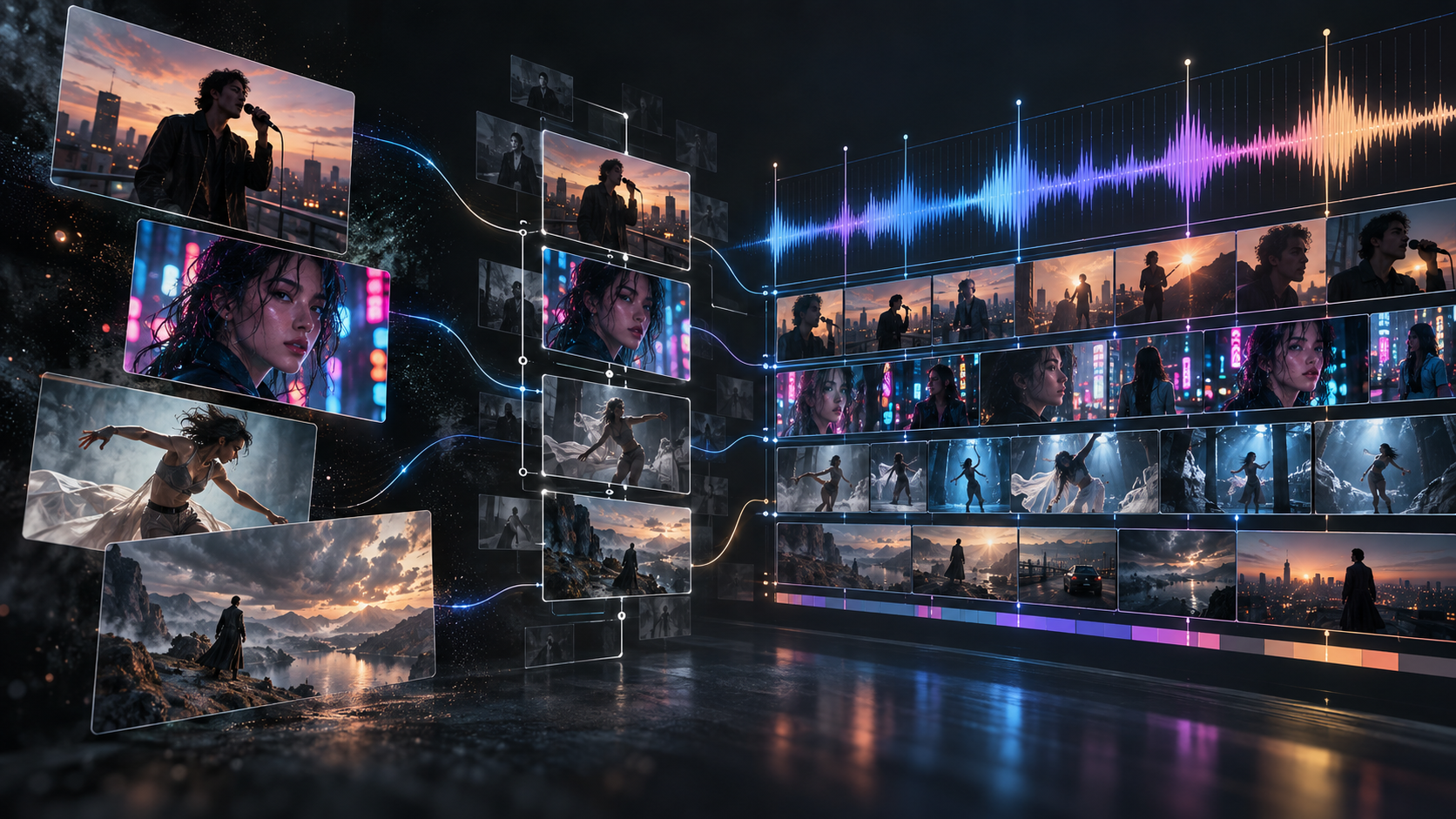
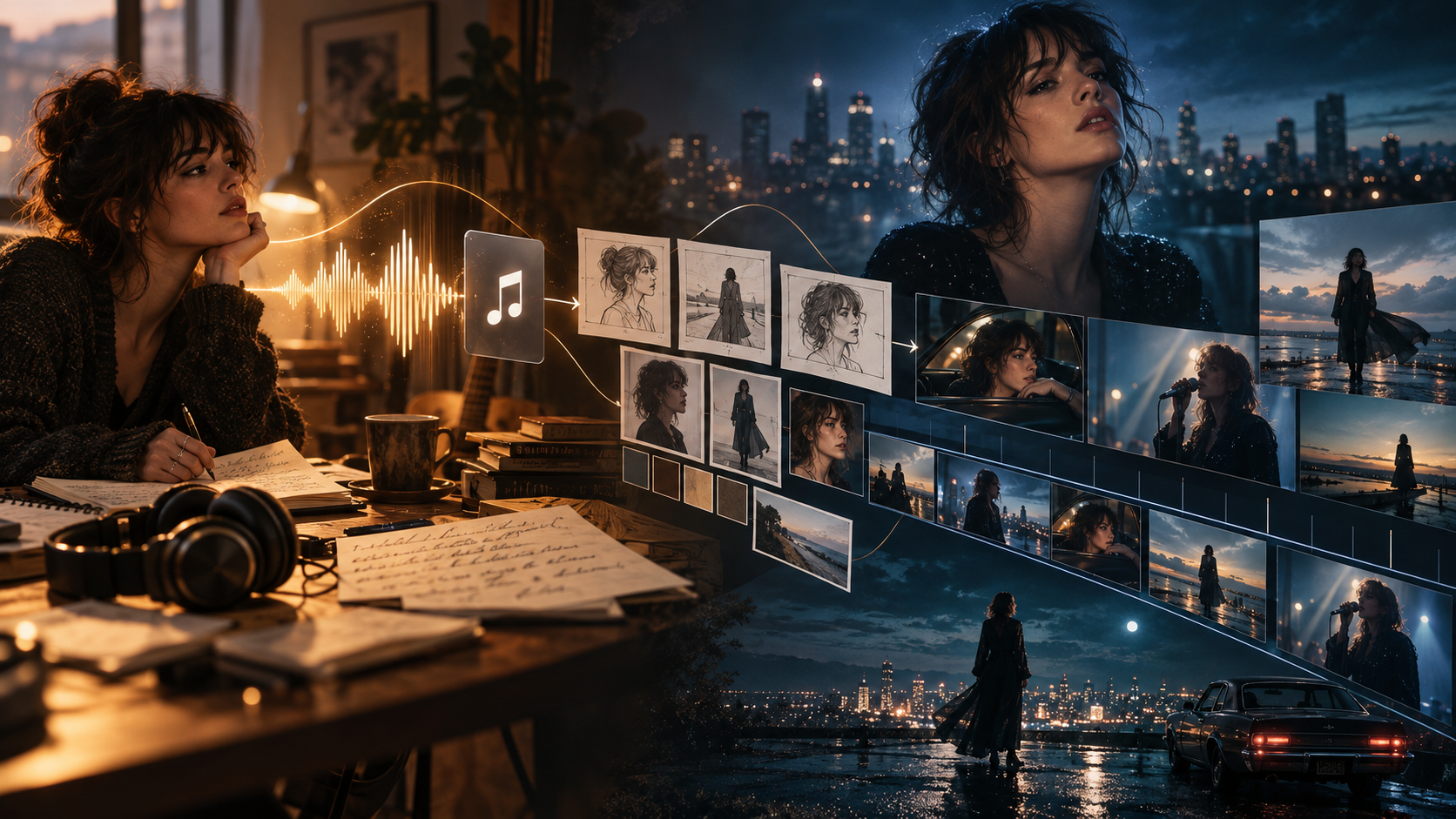
Song analysis → Creative concept → Character design → Storyboard → Scene generation → Final editing
This is closer to how traditional music videos are produced.
3. Scene-Level Editing and Corrections
Even the best AI models sometimes produce imperfect scenes.
A practical AI music video generator should allow creators to fix individual problems.
For example:
- •one scene has the wrong outfit
- •one shot has incorrect facial details
- •one performance clip needs better lip sync
The solution should not be:
Delete the entire project and start again.
Instead, creators should be able to replace specific scenes while keeping the rest of the music video intact.
The Best AI Music Video Generators for Character Consistency
There is no single tool that is perfect for every creator.
The best choice depends on what you are trying to create.
| Tool | Best For | Character Consistency Approach |
|---|---|---|
| BeatViz | Full-song AI music videos | Character + story workflow |
| Runway | Cinematic AI shots | Reference-based generation |
| Kling | Realistic motion | Image references and visual control |
| Kaiber | Artistic music visuals | Style-driven creation |
| Freebeat | Quick music videos | Music-focused generation |
1. BeatViz — Best for Full-Song AI Music Videos With Consistent Characters
For musicians creating complete AI music videos, the biggest challenge is not generating one beautiful shot.
It is managing the entire production.
BeatViz is designed around a music video workflow:
Music upload → AI music analysis → Creative direction → Characters → Scenes → Video generation → Editing
Instead of treating every clip as a separate generation, BeatViz helps creators build a connected visual project.
AI Director: Build Characters Before Creating Scenes
BeatViz AI Director works like a virtual music video director.
Creators can:
- •upload their song
- •discuss creative ideas
- •create characters
- •plan scenes
- •generate storyboards
- •refine the visual direction
This is especially useful for:
- •narrative music videos
- •artist personas
- •fictional performers
- •cinematic storytelling
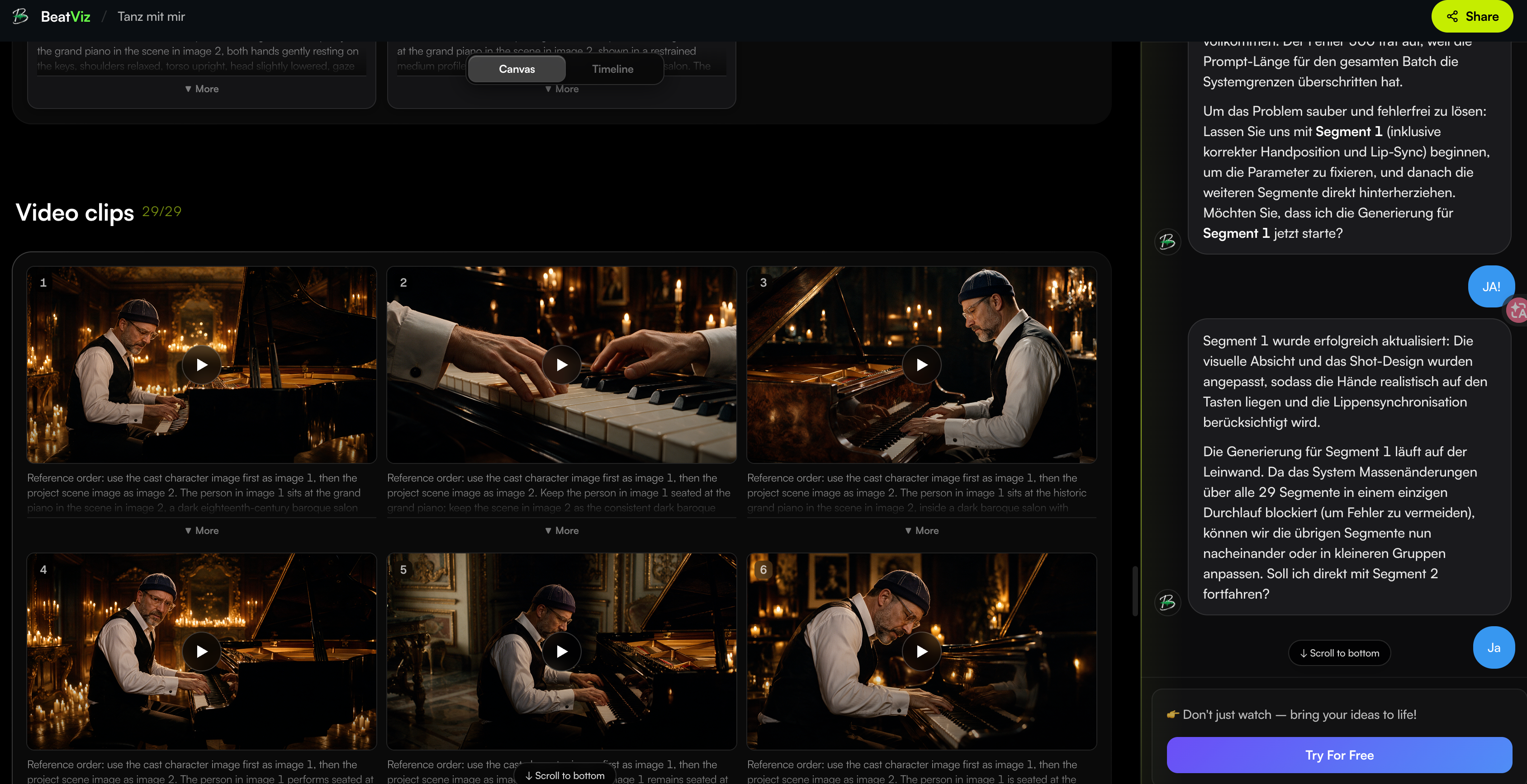
Workflow: Create a Complete Music Video From One Song
Character consistency becomes easier when the entire video follows a structured process.
BeatViz Workflow helps creators move from:
Song → Concept → Storyboard → Keyframes → Video scenes
Instead of manually generating dozens of unrelated clips, creators can build a complete music video with a consistent creative direction.
Try creating your next full-song project: Start with BeatViz Workflow

Editor: Fix Individual Scenes Without Rebuilding Everything
Even when using AI, creators still need control.
BeatViz Editor allows creators to refine individual parts of the video.
Useful when:
- •one scene needs replacement
- •one character detail is incorrect
- •one shot needs improvement
- •the final timeline needs adjustment
Explore custom editing: Open BeatViz Editor
2. Runway — Best for Cinematic AI Video Shots
Runway is widely used for cinematic AI video generation.
Its strength is creating visually impressive shots and maintaining a visual direction through references.
For music videos, it focuses on:
- •cinematic sequences
- •artist references
- •shot-by-shot creation
However, creators building an entire song still need to manage:
- •scene planning
- •editing
- •continuity
- •final sequencing
3. Kling — Best for Realistic Motion
Kling has become popular among creators who want realistic movement.
It is often used for:
- •cinematic camera motion
- •realistic human movement
- •performance shots
For character-driven music videos, reference images remain important because consistency depends heavily on how the project is structured.
4. Kaiber — Best for Artistic Music Visuals
Kaiber focuses more on creative styles and music visuals.
It works well for:
- •animated looks
- •abstract visuals
- •experimental music videos
It is a strong choice when visual style matters more than maintaining a realistic human performer.
5. Freebeat — Best for Quick Music Video Creation
Freebeat focuses specifically on music-driven AI video creation.
It is useful for creators who want:
- •fast visual generation
- •music synchronization
- •quick social media content
For longer narrative videos, creators may need more control over character and scene management.
How to Create an AI Music Video With the Same Character
If you want consistent characters across an entire song, follow this workflow:
Step 1: Create the Character First
Do not start with random scenes.
First define:
- •face
- •hairstyle
- •clothing
- •personality
- •visual style
Think of your AI character like casting an actor.
Step 2: Lock the Visual Direction
Choose:
- •cinematic style
- •color palette
- •camera language
- •locations
Consistency is easier when every scene belongs to the same world.
Step 3: Generate Storyboards Before Videos
Before creating moving clips, review:
- •scene ideas
- •character appearance
- •composition
Fixing a wrong keyframe is easier than fixing a finished video.
Step 4: Refine Individual Scenes
If one scene fails:
Do not restart everything.
Replace the problematic shot and keep the scenes that already work.
Common Mistakes That Break Character Consistency in AI Videos
Generating Every Scene Separately
This is the fastest way to lose consistency.
Every new generation creates a new interpretation.
Changing Character Descriptions Too Often
Small prompt changes can create:
- •different faces
- •different clothing
- •different ages
Skipping the First Frame Review
The first frame is your casting decision.
If the character already looks wrong, the video usually will not fix it.
Creating Too Many Characters in One Shot
Multiple characters increase complexity.
For the highest consistency:
- •focus on one main character
- •introduce additional characters carefully
- •maintain clear references
Choose an AI Music Video Generator Based on Your Goal
Different creators need different workflows.
For a complete artist music video
Choose a platform with:
- •music analysis
- •storytelling
- •character planning
- •editing workflow
For individual cinematic shots
A general AI video model may be enough.
For experimental visuals
Style-focused generators may be the better choice.
The important question is not:
Which AI model creates the coolest 5-second clip?
The better question is:
Which workflow helps me finish the entire music video?
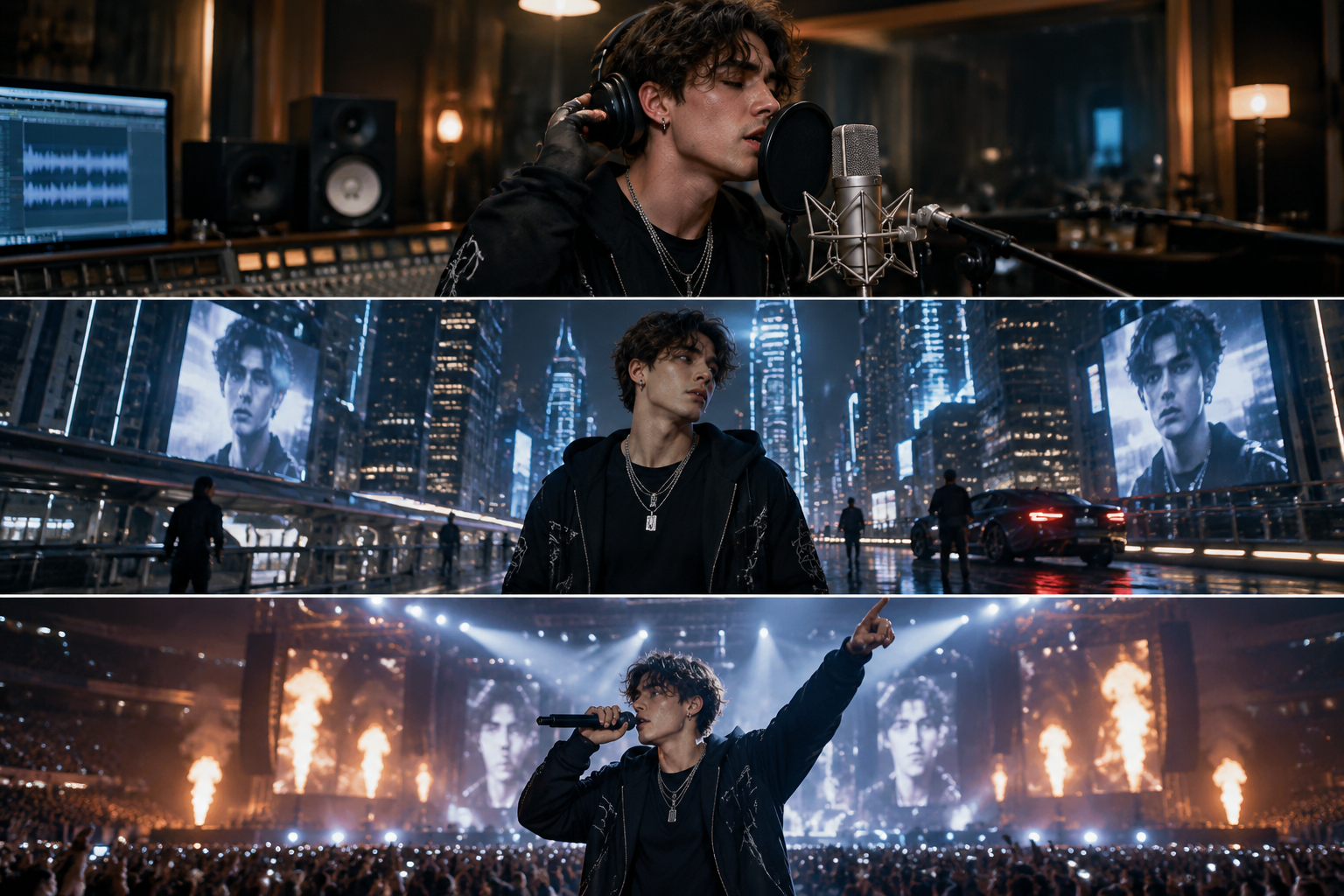
Create Your Next AI Music Video With Consistent Characters
Character consistency is becoming one of the biggest differences between AI experiments and professional AI music production.
The future of AI music videos is not only about generating better images.
It is about creating complete visual stories where artists, characters, and worlds remain recognizable from beginning to end.
If you are creating a music video for your next release, start with a workflow designed around your song.
Create your first AI music video with BeatViz
Start from your song, lock the character, and build a full music video that stays visually consistent from the first scene to the last.
Start creating →Want to explore more features?
Recommended related reading: