|
Build and edit every shot manually with full timeline and scene-level control.
Community Creations
Create in 5 Steps
From Track to Masterpiece: Quick Start Guide.
Start & Upload Your Track
Name your project and upload the music file you wish to create a video for.
Generate Clips & Starter Frames
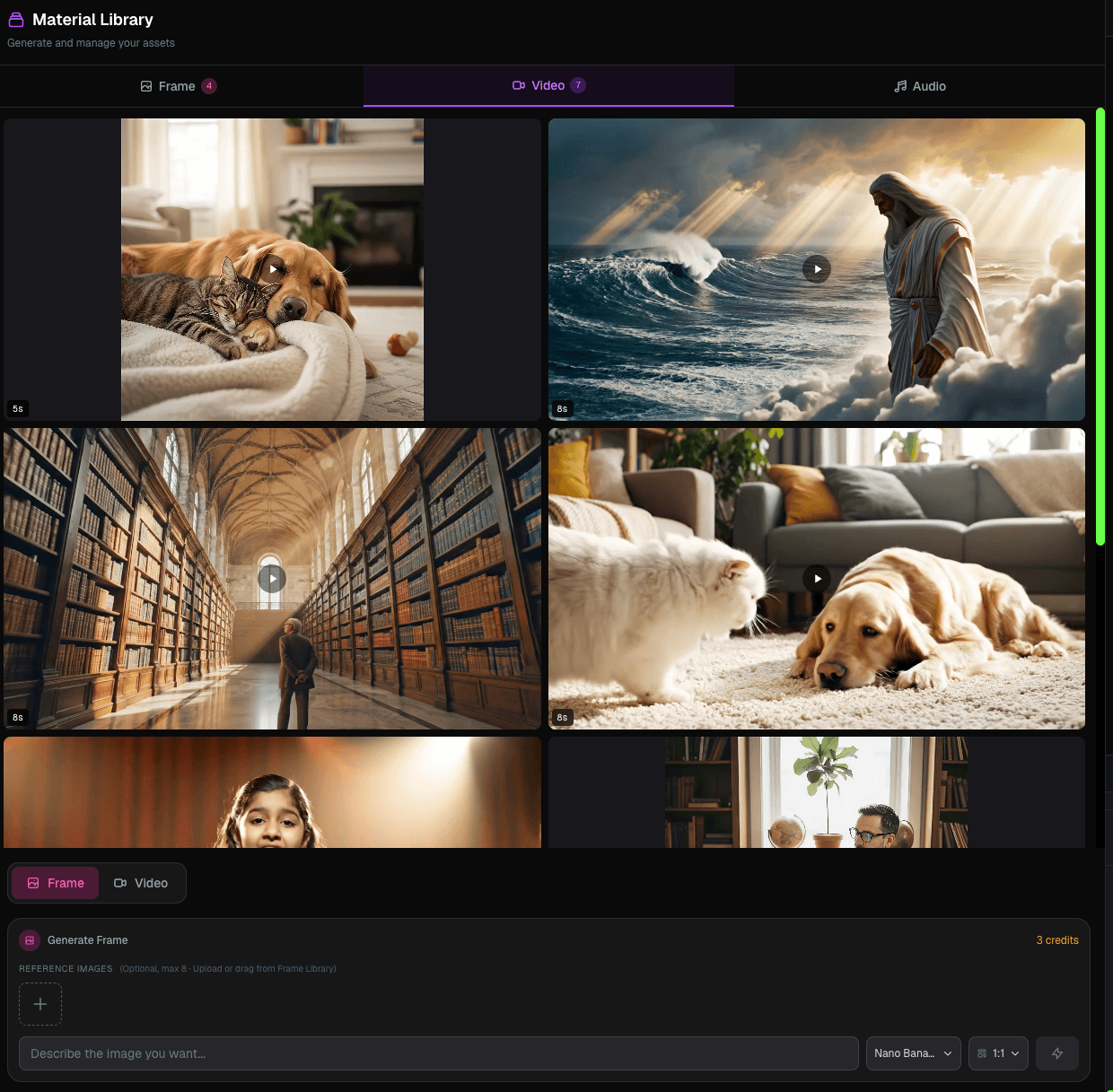
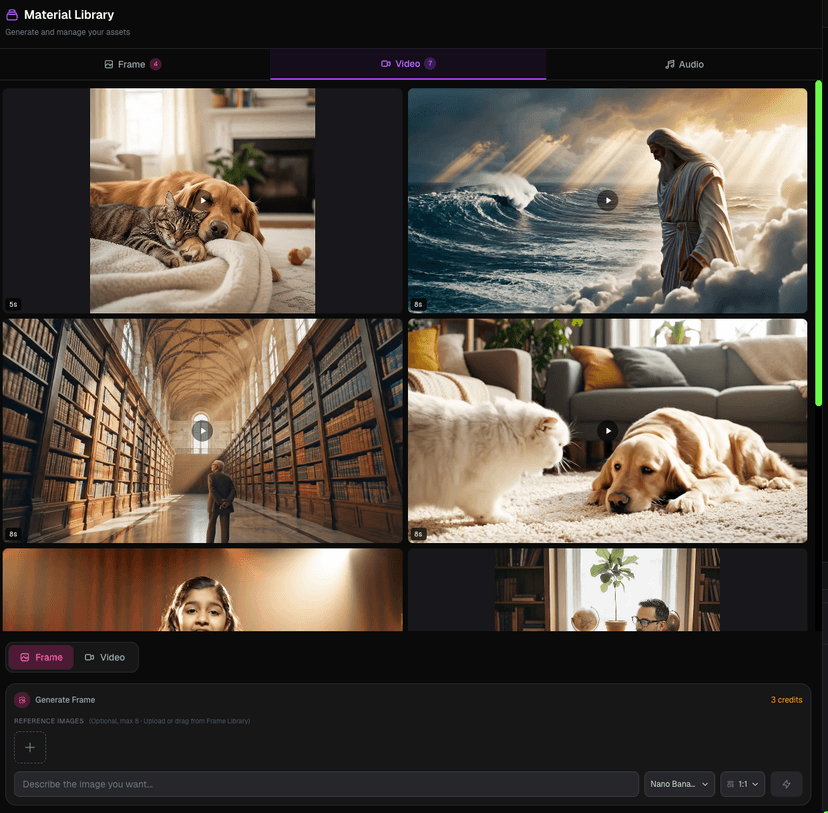
Use the left workspace to generate images and videos. Images can be used as the precise first frame for subsequent video clips.
Refine Lip Sync Precision
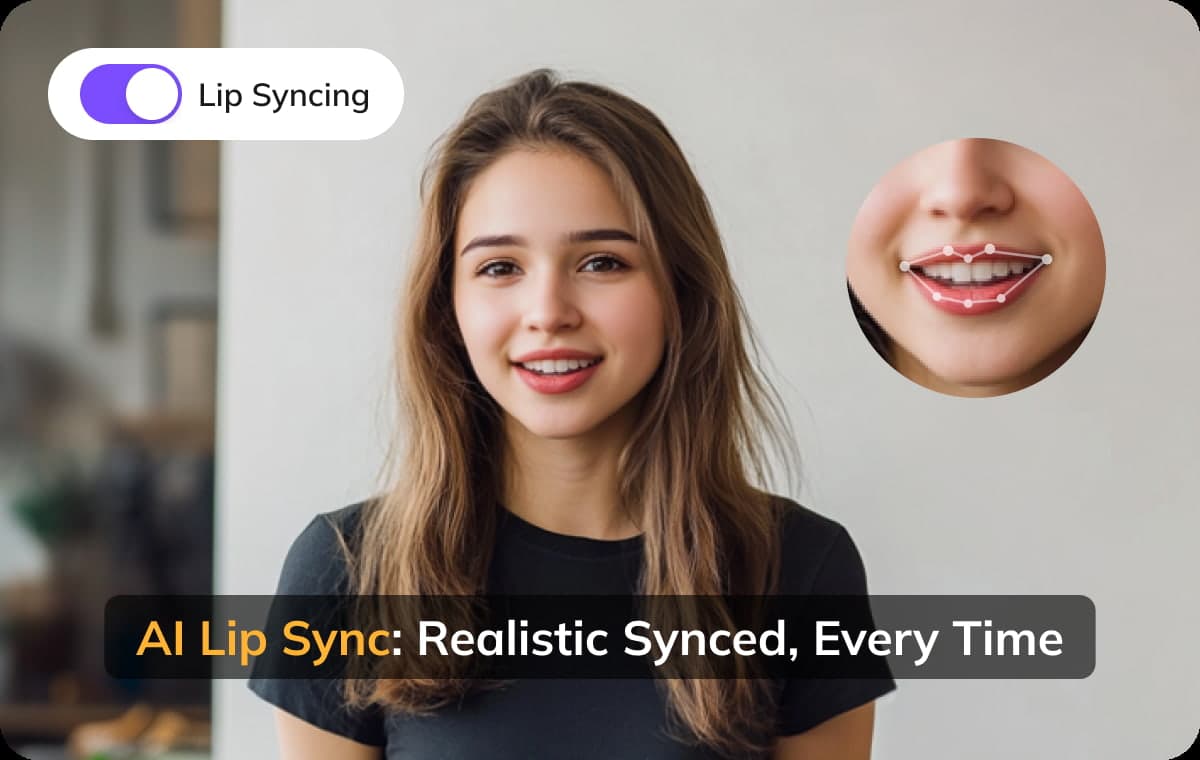
Drag and drop the music track from the editor onto the dedicated lip-sync area to guide more accurate video generation for vocals.
Assemble on the Timeline
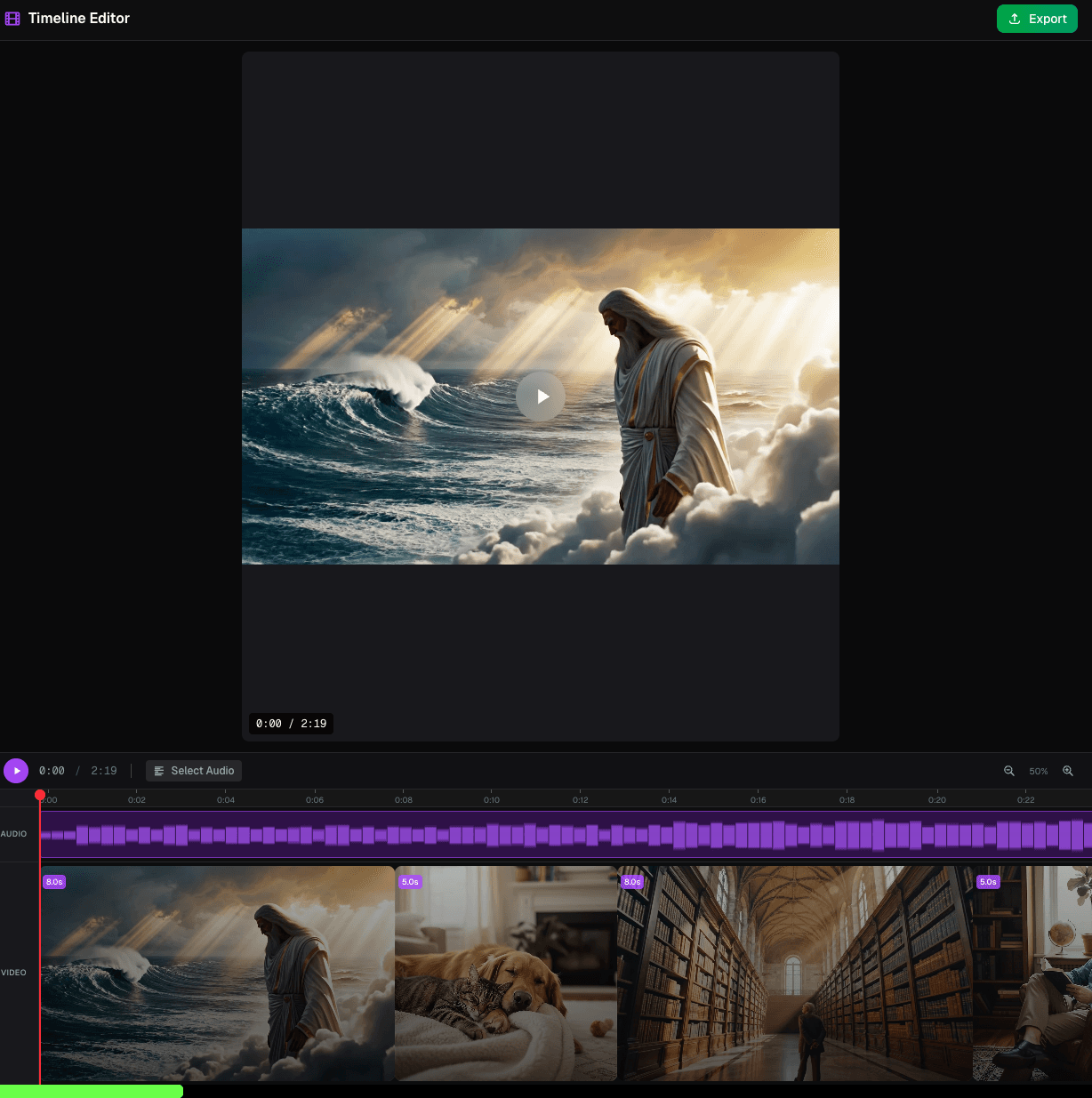
Drag your generated video clips to the main video track. Arrange them in your desired sequence and customize their timing.
Export and Share
Finalize your masterpiece! Export your high-definition music video and share your work with the world.
Unleash Your Vision: The AI Music Video Studio
Generate, Edit, and Sync – All in One Revolutionary Workspace.
Beat-Perfect Visuals, Frame by Frame
Generate custom, high-definition images and videos, precisely controlling the initial frame of each clip. Craft a unique and visually coherent music video sequence tailored to every single musical beat and tempo change.
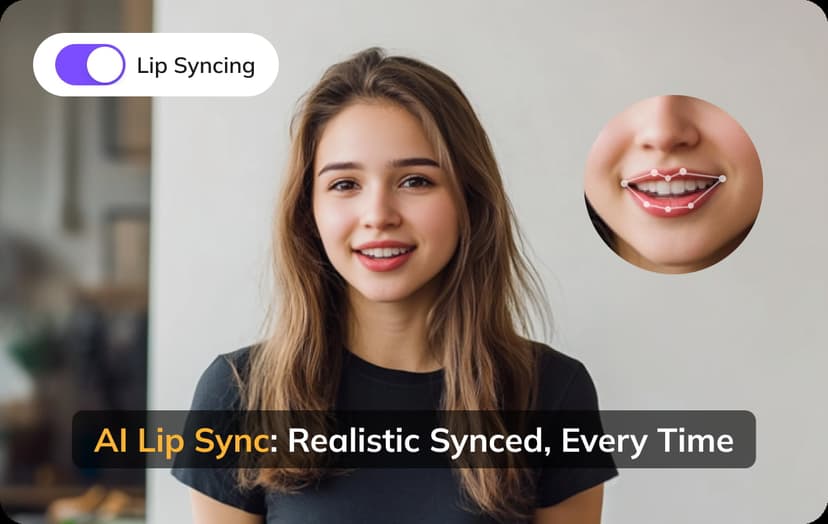
Seamless AI Lip-Sync for Vocals
Bring your digital artists and avatars to life! Our dedicated lip-sync generation feature ensures that your virtual performers' mouth movements are naturally and accurately synchronized with the vocal track, adding unparalleled realism to your music video.
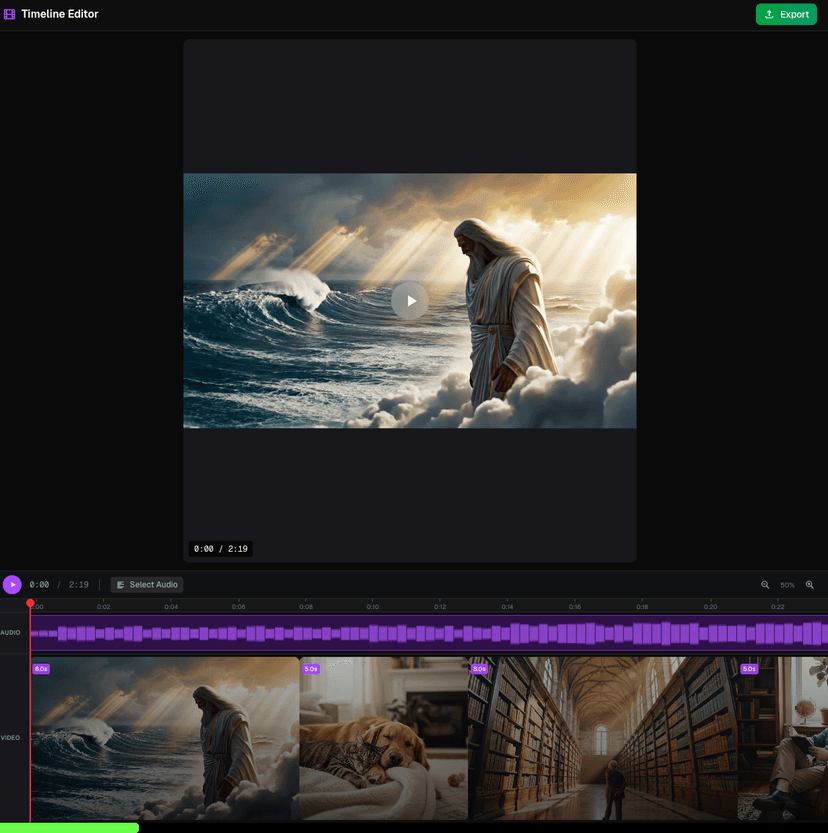
The Editor: Your Visual Command Center
Take full control with our intuitive timeline editor. Easily adjust the sequence and duration of your generated video clips, fine-tune transitions, and map visuals directly onto music nodes. Drag, drop, and edit your way to a perfect final mix.