Song to Video AI: Full Songs vs. Short Clips—Which Workflow Should You Choose?
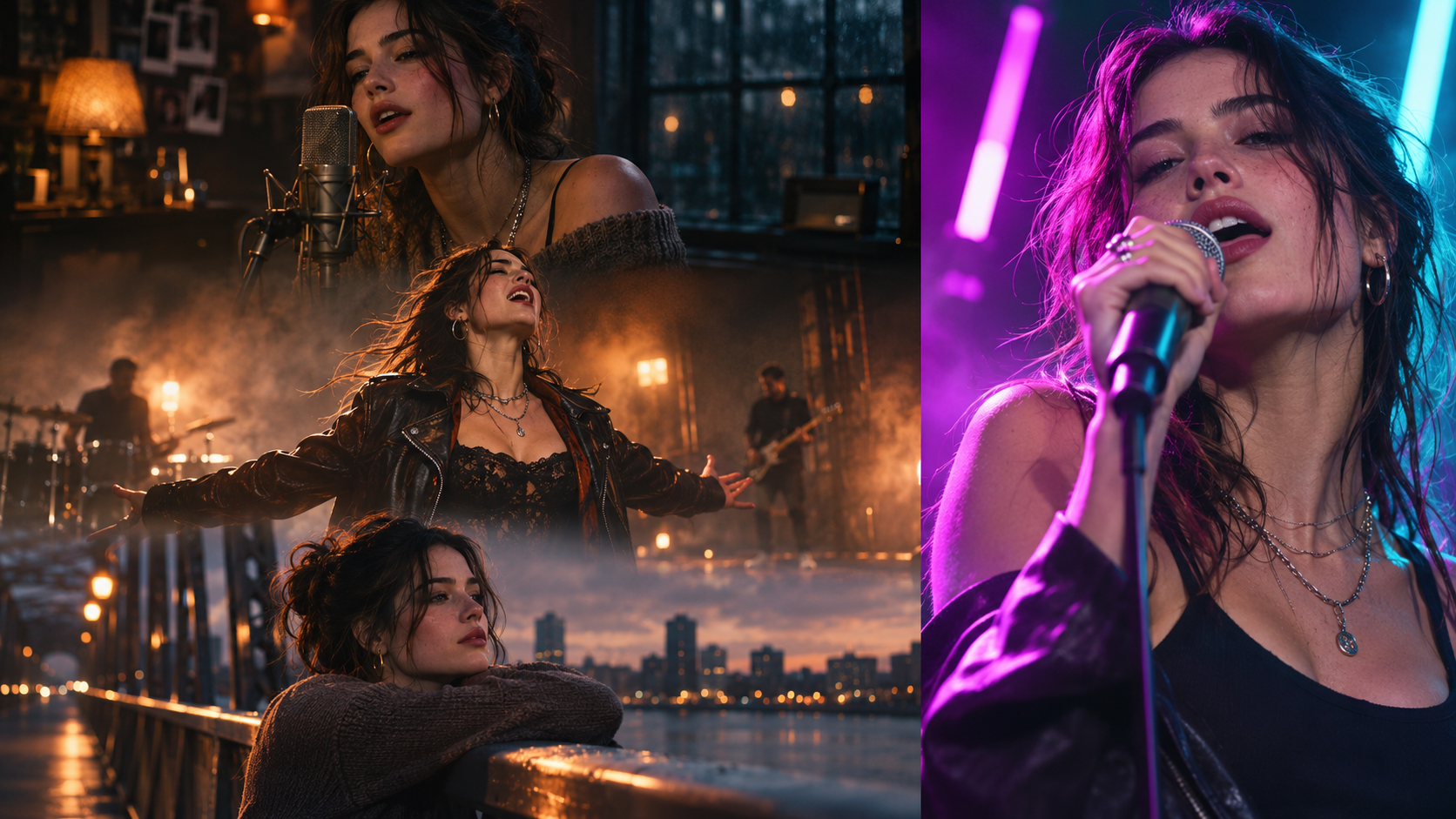
If you have a finished song and want to turn it into a video, one of the first decisions is how much of the track you should visualize. Should you create a complete music video from beginning to end, or focus on a short, memorable section for TikTok, Instagram Reels, or YouTube Shorts?
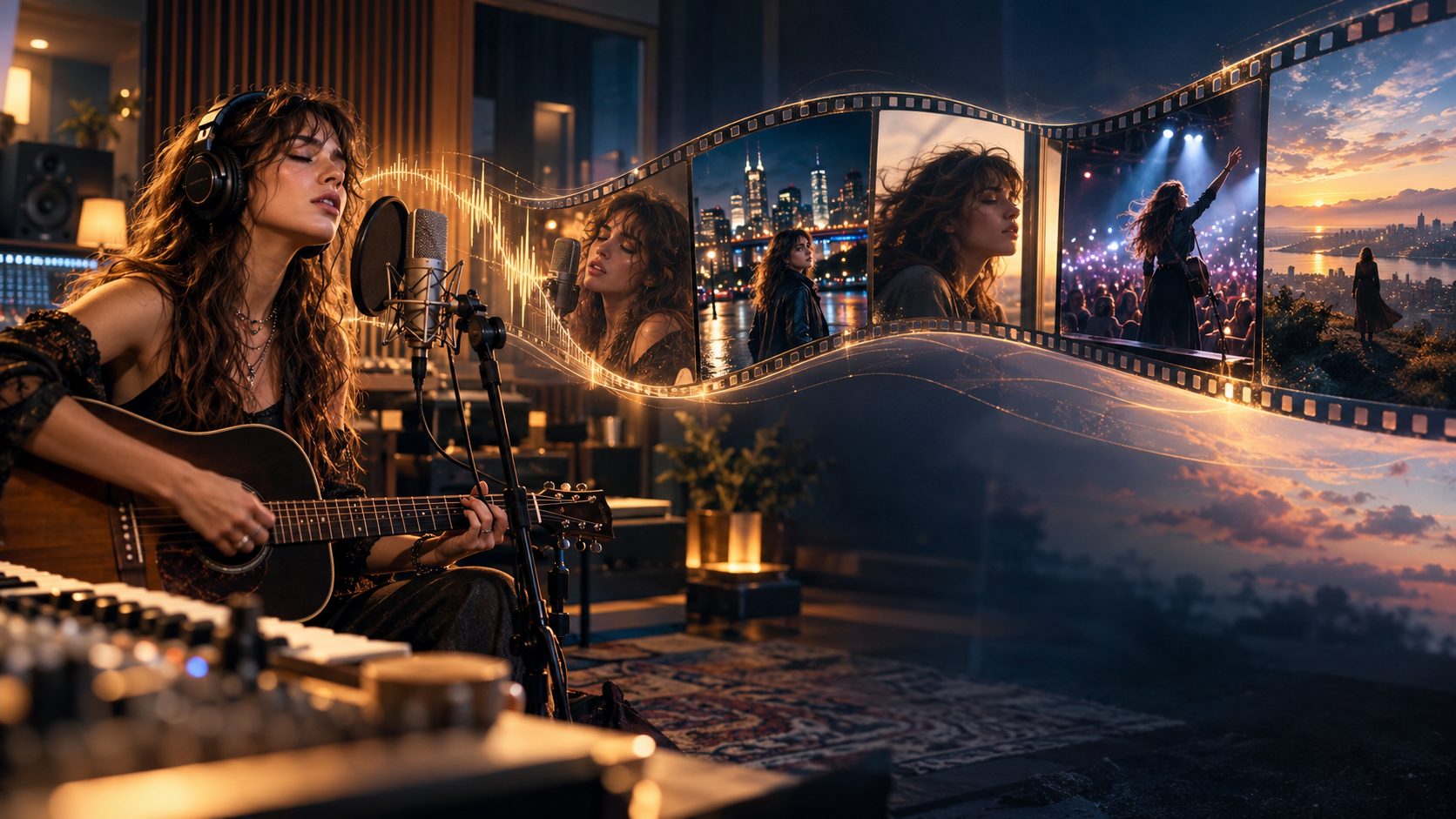
A song to video AI workflow can support both approaches, but they serve different creative goals. A full-length music video needs a visual direction that develops throughout the song, while a short clip needs a focused idea that captures attention quickly.
The right choice depends on your release strategy, budget, audience, and the kind of story you want to tell. In this guide, we'll compare both approaches, explain when to use each one, and show how to plan a workflow that makes the most of your music.
If you're already exploring tools for this process, you can also discover BeatViz's AI music video generator.
1. Full Song vs. Short Clip: Which One Should You Choose?
The simplest way to decide is to start with your publishing goal.
If you're releasing an official music video, building a visual identity around a new single, or telling a story through your music, a full-song video is usually the better choice.
If you want to promote a new release, highlight a catchy chorus, or create content for social platforms, a short music video clip may be more practical.
Here's a quick comparison:
| Factor | Full-Song Music Video | Short Music Video Clip |
|---|---|---|
| Main purpose | Official music release | Promotion and social content |
| Audio selection | Entire song | Selected section |
| Visual direction | Developed across multiple sections | Focused on one central idea |
| Scene planning | More extensive | More concentrated |
| Storytelling | Complete visual narrative | One moment or short visual arc |
| Character continuity | Important throughout the video | Important within the selected scenes |
| Common formats | 16:9, sometimes 9:16 | Often 9:16 |
| Best platforms | YouTube and music channels | TikTok, Reels, and Shorts |
When a Full-Song Music Video Makes Sense
Choose a full music video when:
- •You're preparing an official music release.
- •Your song has multiple sections with different moods or energy levels.
- •You want the visuals to tell a story from beginning to end.
- •You need a complete video for your YouTube channel.
- •Your artist identity or recurring characters are important to the project.
A full video gives you more room to develop an idea. A quiet verse can establish the setting, the chorus can introduce more energy, and the bridge can create an emotional change before the ending.
The goal isn't to generate as many scenes as possible. It's to make every scene contribute to the overall experience.
When a Short Music Video Clip Is the Better Choice
Short clips make more sense when:
- •You're promoting a new single.
- •You want to highlight the strongest part of a song.
- •You need several pieces of content for social media.
- •You're testing a visual concept before investing in a larger project.
- •You want a focused performance or storytelling moment.
For example, a 30-second chorus teaser can communicate the central emotion of a song without requiring a complete visual narrative.
Shorter doesn't automatically mean easier, though. A short clip still needs a strong opening, a clear visual idea, and a satisfying ending.
Why Some Creators Need Both
These approaches don't have to compete.
An independent musician might create an official full-length music video for YouTube, then produce several shorter clips featuring different moments from the same song.
One clip could highlight the chorus, another could feature a close-up performance, and a third could introduce the visual story behind the track.
Think of the full music video as the main creative work and short clips as additional promotional assets.
2. Full Song vs. Short Clips: What's the Real Difference?
The biggest difference isn't simply video duration. It's how you plan, generate, and organize the visuals.
Video Length and Scene Planning
A full song needs a visual structure that follows the music.
Imagine a three-minute pop song:
- •Opening: Establish the main character and environment.
- •First verse: Introduce the visual story.
- •First chorus: Increase the energy and introduce stronger imagery.
- •Second verse: Develop the story or introduce a new perspective.
- •Final chorus: Deliver the strongest visual moments.
- •Ending: Give the video a clear conclusion.
A short clip has a different objective. Instead of developing a complete story, it focuses on one memorable moment.
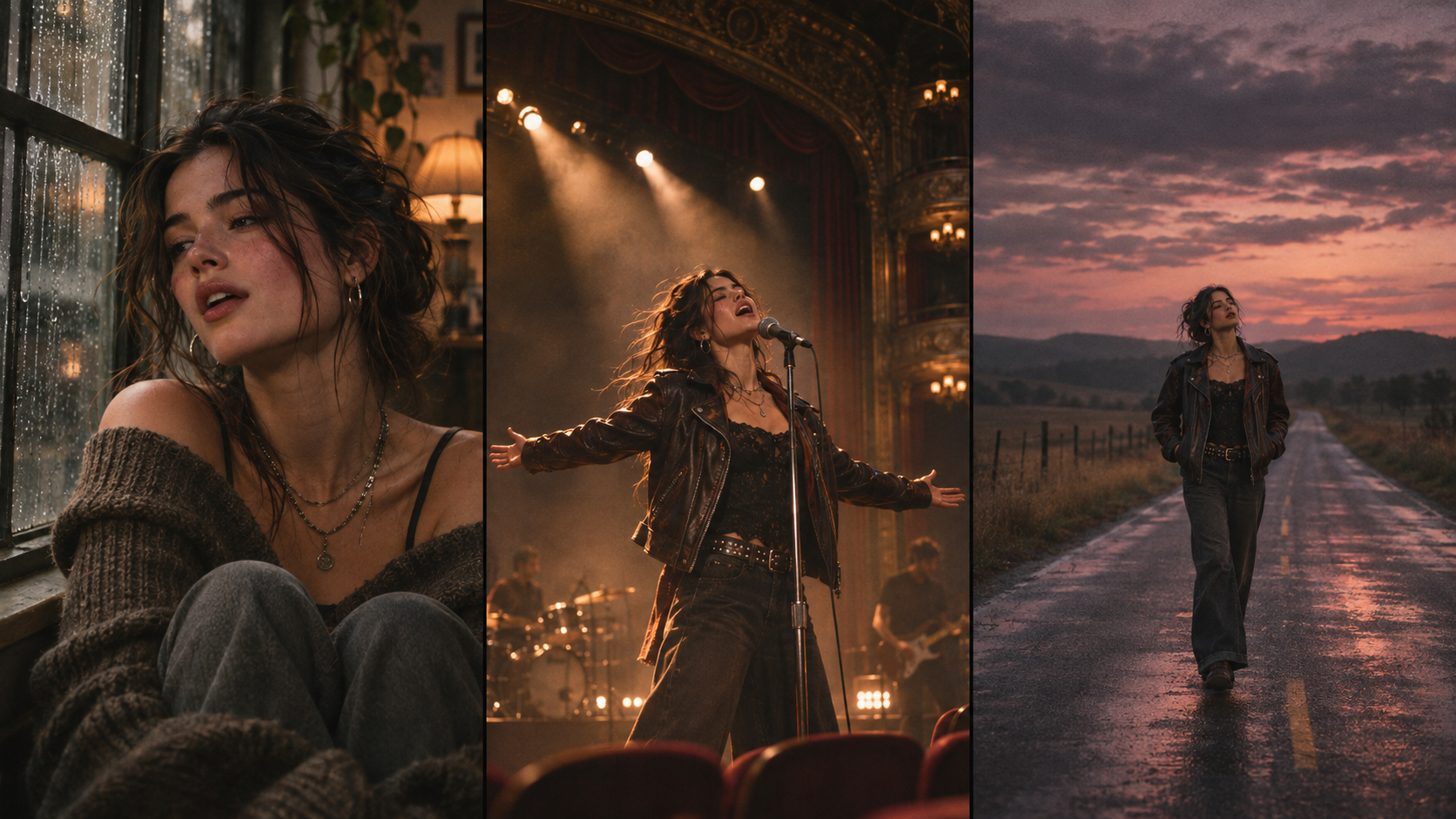
For example, a 30-second video might begin with a singer standing alone in a dark room, build toward an emotional chorus, and finish with a dramatic close-up.
The visual progression is shorter, but it should still feel intentional.
One important technical detail: most AI video workflows generate individual clips rather than one uninterrupted, multi-minute performance. A full music video is usually assembled from multiple generated scenes.
Visual Storytelling and Character Consistency
Character consistency becomes increasingly important when a project contains many scenes.
If your video follows the same singer throughout the song, viewers should recognize that person across different camera angles, environments, and lighting conditions.
For a full-length project, consider preparing:
- •A clear character reference image.
- •A consistent description of the character's appearance.
- •A defined wardrobe and visual style.
- •A small number of recurring locations or visual elements.
You don't need every scene to look identical. In fact, changing camera angles, environments, and lighting can make the video more interesting.
The important thing is to maintain recognizable visual elements while allowing the story to develop.
For a short clip, you can concentrate on fewer scenes, but the same principles apply.
Editing, Aspect Ratios, and Publishing Platforms
Your intended publishing platform should influence your visual planning from the beginning.
For YouTube music videos:
A 16:9 landscape composition is a natural choice. It gives you room for wider environments, cinematic camera movement, and multiple subjects.
For TikTok, Instagram Reels, and YouTube Shorts:
A 9:16 vertical composition is usually more suitable. Keep the main subject visible, avoid placing important details too close to the edges, and consider how the video will look on a phone screen.
You can also create different versions of the same creative concept for different platforms, but don't assume that simply cropping a landscape video will always produce a good vertical result.
Production Time, Credits, and Revision Costs
A full-song project generally requires more generated footage than a short clip, so it will usually require a larger production budget.
However, the final cost isn't determined by song length alone.
Other factors include:
- •The number of scenes you create.
- •The duration of each generated video.
- •The AI video model and generation quality.
- •Output resolution.
- •Optional lip-sync processing.
- •How many scenes you regenerate.
A short video with complex action and many revisions can still require considerable resources. Meanwhile, a carefully planned full-length project may avoid unnecessary regeneration.
The best way to control costs is to plan your visual direction before generating large numbers of clips.
3. When Should You Create a Full-Song AI Music Video?
A full-song music video is worth considering when you want the visuals to become part of the song's identity.
It's particularly useful for musicians who want a complete release rather than a collection of promotional snippets.
Official Music Releases and YouTube
If you're publishing an official single, a complete music video gives your audience one destination where they can experience the song visually from beginning to end.
It can also become a central piece of content for your release campaign.
Instead of relying entirely on a static album cover or audio upload, you can give listeners a visual experience that reflects the genre, mood, and identity of the music.
Songs That Need a Complete Visual Story
Some songs naturally benefit from a beginning, middle, and ending.
A breakup song, for example, might begin with two people remembering a relationship, move into scenes of separation during the chorus, and finish with the protagonist facing life alone.
A high-energy dance track might work better as a performance-driven video with changing locations, lighting, and choreography.
The key is to choose a visual concept that fits the music rather than forcing every song into the same storytelling formula.
Matching Visuals to Verses, Choruses, and Bridges
Before generating scenes, listen to the song and identify its major musical sections.
You don't need to create a separate visual concept for every lyric. Instead, look for meaningful changes in emotion, instrumentation, energy, and vocal performance.
For example:
| Song Section | Possible Visual Direction |
|---|---|
| Intro | Establish the location and atmosphere |
| Verse | Introduce the character or story |
| Chorus | Strong performance or memorable visual sequence |
| Second Verse | Develop the narrative |
| Bridge | Change the environment or emotional perspective |
| Final Chorus | Bring back the strongest visual elements |
| Outro | Create a memorable final image |
This approach helps your music video feel connected rather than like a random collection of AI-generated scenes.
If you want a more detailed walkthrough of the production process, read our guide on how to turn music into a video with AI.
4. When Are Short AI Music Video Clips a Better Choice?
Not every song needs a complete music video immediately.
For many independent artists, short clips are a practical way to introduce a new release, test a creative idea, or keep social channels active.
Promoting a New Single With a Chorus Teaser
The chorus is often a good starting point because it contains the central hook of the song.
You can build a short video around:
- •The strongest vocal performance.
- •A memorable lyric or emotional moment.
- •A dramatic visual reveal.
- •A distinctive character or setting.
- •A particularly energetic instrumental section.
For example, a romantic pop song might use a close-up performance during the chorus, followed by a quick transition into a rain-soaked city scene.
The clip doesn't need to explain the entire song. It needs to make someone interested enough to listen to more.
Creating Content for TikTok, Reels, and Shorts
Short-form content has different creative demands from an official music video.
A few practical principles can help:
Start with a visually interesting moment. Don't spend too much of a short clip establishing an empty environment.
Keep the main subject recognizable. Viewers should understand what they're looking at, even on a small screen.
Build toward one clear moment. A short video benefits from a simple visual progression rather than too many unrelated scenes.
Match the format to the platform. Vertical framing is generally the best starting point for mobile-first short-form content.
You can also create multiple variations from one song, each emphasizing a different visual concept or musical section.
Testing a Visual Concept Before Making a Full MV
This is one of the most useful reasons to start with a short clip.
Suppose you've just finished an original rock song. You have three possible directions:
- 1.A live performance in a dark underground venue.
- 2.A cinematic road-trip story.
- 3.A stylized retro music video with vintage film aesthetics.
Instead of immediately developing an entire music video, you can create a short visual sample to explore one direction.
Review the character, lighting, camera angles, and overall atmosphere. If the result matches your vision, use those creative decisions as a reference when planning a larger project.
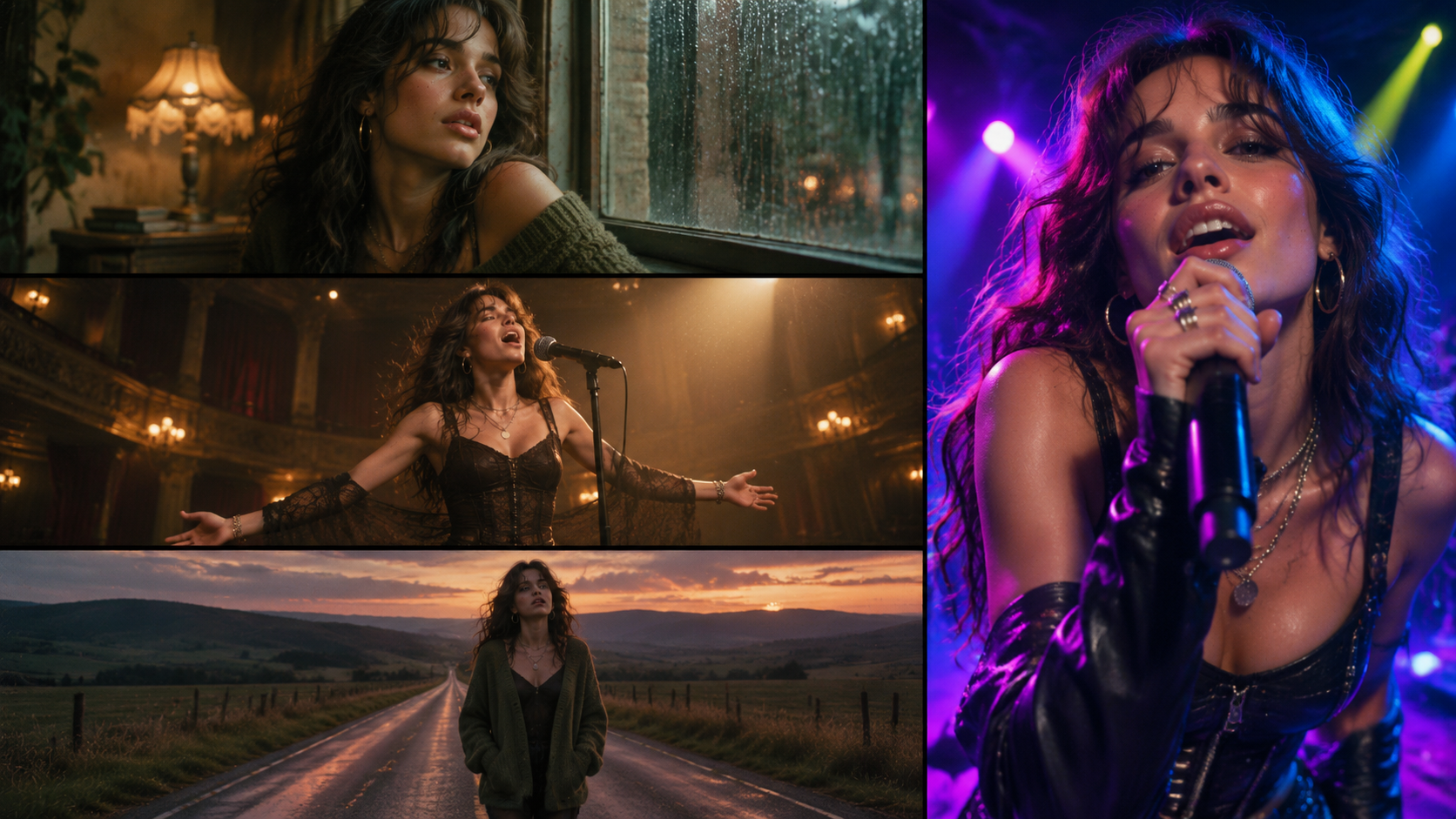
If you're interested in the broader creative process, you can also explore our guide on how to make a music video.
5. One Song, Two Strategies: Start Short and Expand Into a Full MV
You don't always have to decide between a full music video and short clips before you begin.
A practical alternative is to start with a small creative test and expand the idea once you've found a direction that works.
Here's how that approach can work.
Step 1: Test the Strongest Part of Your Song
Choose a section that represents the song well.
This could be the first chorus, an emotional vocal moment, or a distinctive instrumental section.
Create a short visual concept around that moment. Focus on one main subject, one environment, and a clear creative direction.
Step 2: Refine Your Character and Visual Style
Before planning a complete video, check whether the generated visuals match your expectations.
Pay attention to:
- •Character appearance and facial details.
- •Clothing and hairstyle.
- •Lighting and color palette.
- •Camera angles and composition.
- •The relationship between the visuals and the music.
If something feels wrong, adjust the visual direction before moving forward.
Step 3: Expand the Concept Into a Complete Music Video
Once you have a direction you like, plan how it could develop throughout the entire song.
You might keep the same main character while introducing different locations, camera angles, and supporting scenes.
You can also introduce new visual ideas during the bridge or final chorus to prevent the full video from feeling repetitive.
One important distinction: a short-clip project doesn't automatically become a full-song project. Treat the short version as a creative proof of concept, then use the lessons and visual references from that experiment when planning the complete production.
This approach can help reduce creative uncertainty before you commit to a larger project.
6. How to Choose a BeatViz Workflow for Your Project
Once you've decided what kind of video you want to make, the next question is how much guidance or creative control you need.
BeatViz offers different approaches to creating AI music videos, depending on how you prefer to work.
BeatViz Workflow: A Guided Approach to Full Songs and Selected Clips
BeatViz Workflow is designed for creators who want a structured process.
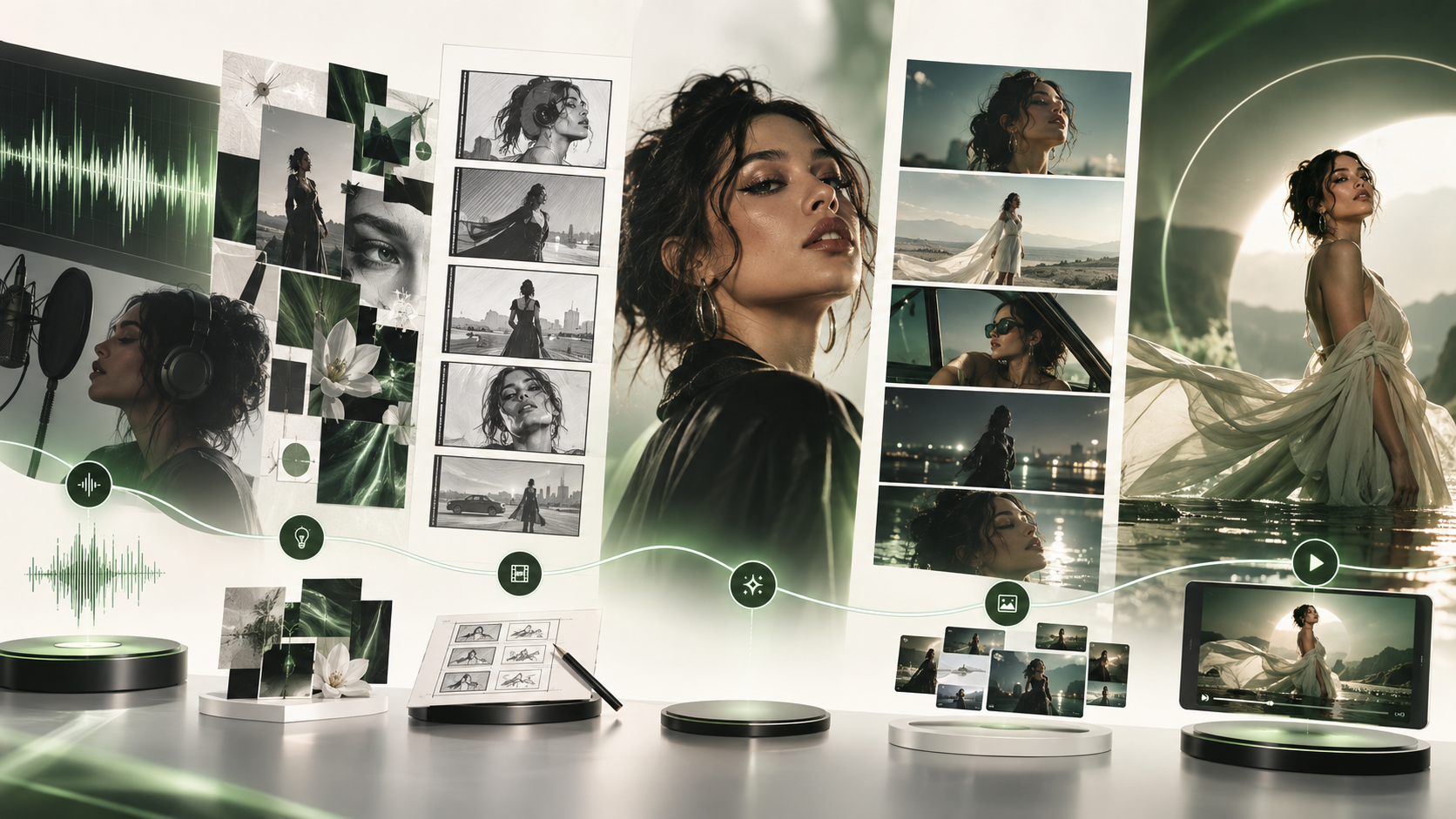
You can upload your music, select the section you want to visualize, and develop the project through music analysis, creative direction, story planning, first-frame generation, video generation, and final composition.
A typical process looks like this:
- 1.Upload your audio file.
- 2.Select the musical section you want to visualize.
- 3.Review the AI-generated creative directions.
- 4.Choose and refine your storyline.
- 5.Review the generated scene keyframes.
- 6.Generate the video clips.
- 7.Compose the finished video.
This guided approach can be useful for both short highlights and longer music video projects, depending on your account's available audio selection limits.
One detail worth knowing: Workflow currently requires a selected audio section of at least 10 seconds. Free accounts have a 15-second maximum selection, while paid accounts can select longer sections subject to their available plan settings.
BeatViz AI Director: Create Through Conversation
If you prefer describing your creative ideas rather than working through a structured setup, try BeatViz AI Director.
You can communicate your visual direction, explain the story you want to tell, and guide the creative process through conversation.
For example, you might describe a music video with a recurring protagonist, a vintage city setting, and different visual treatments for the verses and chorus.
This approach is particularly useful when you already have a strong creative concept but want help developing it into individual scenes.
BeatViz Editor: Take Control of Individual Scenes and the Timeline
For creators who prefer hands-on editing, BeatViz Editor provides a more direct environment for working with video scenes and a timeline.
You can manage your visual materials, refine individual shots, arrange clips, and work on the final sequence.
This is useful when you already know how you want the music video to look and want more direct control over the editing process.
Workflow, AI Director, and Editor are distinct creation routes, so choose the one that best fits how you want to work rather than assuming every project automatically moves between all three.

7. How Much Does It Cost to Turn a Song Into a Video With AI?
The cost of creating an AI music video depends on more than the length of the original song.
A full-length video generally requires more generated footage, but the number of scenes, selected models, and revision requirements also make a difference.
Why Full-Song Projects Usually Require More Credits
A three-minute song might need multiple scenes, different camera angles, performance shots, and transitions.
A short promotional clip might only need a few carefully selected shots.
Because AI video generation is generally charged according to generated footage and selected settings, a longer project will often require a larger credit budget.
However, there is no universal cost for every three-minute or 30-second video.
What Affects AI Video Generation Costs?
Before starting, consider these factors:
- •Video model: Different generation models have different credit costs.
- •Generated duration: More video footage generally requires more credits.
- •Resolution: Higher-quality generation options may cost more.
- •Lip sync: Vocal performance shots may require additional processing.
- •Regeneration: Reworking scenes adds to the total budget.
How to Plan Your Budget Before Generating
A few practical habits can help control costs:
- 1.Decide on the visual direction before generating every scene.
- 2.Use a short test to evaluate an unfamiliar concept.
- 3.Review keyframes before committing to video generation.
- 4.Regenerate only the scenes that actually need improvement.
- 5.Compare the available generation models before starting a large project.
You can review the latest BeatViz pricing and credit options before choosing a production plan.
8. Frequently Asked Questions About Song to Video AI
Can AI turn an entire song into a music video?
Yes. AI music video tools can be used to create a complete video around a full song. In a scene-based workflow, the process involves planning and generating multiple individual clips, then assembling them into a finished video. It isn't necessarily one continuous AI-generated shot.
Can I turn only the chorus of a song into a video?
Yes. If you only want to promote a particular part of your song, you can select that section and build a short music video around it. A chorus is often a useful starting point because it may contain the song's most recognizable hook or emotional highlight.
How long should an AI music video clip be?
There is no single ideal length. A short promotional clip might be 15–60 seconds, depending on the platform and creative goal. An official music video should generally cover the complete song if that's the intended release format. Choose the duration based on what you want the video to communicate, rather than following a fixed number.
Can I create multiple short videos from one song?
Yes. You can plan different promotional clips around different sections of the same song. For example, you might create one clip for the chorus, another for a memorable verse, and another for an instrumental highlight. Each clip can have its own visual direction while maintaining elements of the same overall artistic identity.
Should I choose 16:9 or 9:16?
Choose 16:9 for traditional landscape music videos, especially when YouTube is your primary destination. Choose 9:16 for vertical content intended for TikTok, Instagram Reels, and YouTube Shorts. If you plan to publish on multiple platforms, consider your framing requirements before generating the scenes.
Can I start with a short clip and make a full music video later?
Absolutely. Starting with a short clip is a useful way to test a creative direction. You can evaluate the character design, visual style, and scene concept before planning a separate full-length project. Just remember that expanding a short project into a full music video still requires additional planning and generation.
Does an AI song-to-video generator create one continuous video?
Not necessarily. Many AI video systems generate shorter clips that are combined into a longer sequence. This scene-based approach allows creators to review individual shots, change scenes that don't work, and build a more structured final video.
9. Turn Your Song Into a Video With the Right Workflow
Whether you're creating an official music video or a short promotional clip, the best approach starts with understanding your creative goal.
If you want to tell a complete story, build a visual identity around your music, or release an official MV, plan the entire song from beginning to end.
If you want to promote a new single, test an idea, or create social media content, start with a short section that captures the strongest part of your music.
And if you're not sure which direction to take, start small. Test a visual concept, refine the look, and build from there.
With BeatViz, you can explore guided music video creation, conversational AI direction, and hands-on scene editing—all designed to help turn your music into a visual experience.
Your song already has a story. Give it a visual world.