2026 Best AI Music Video Generator List
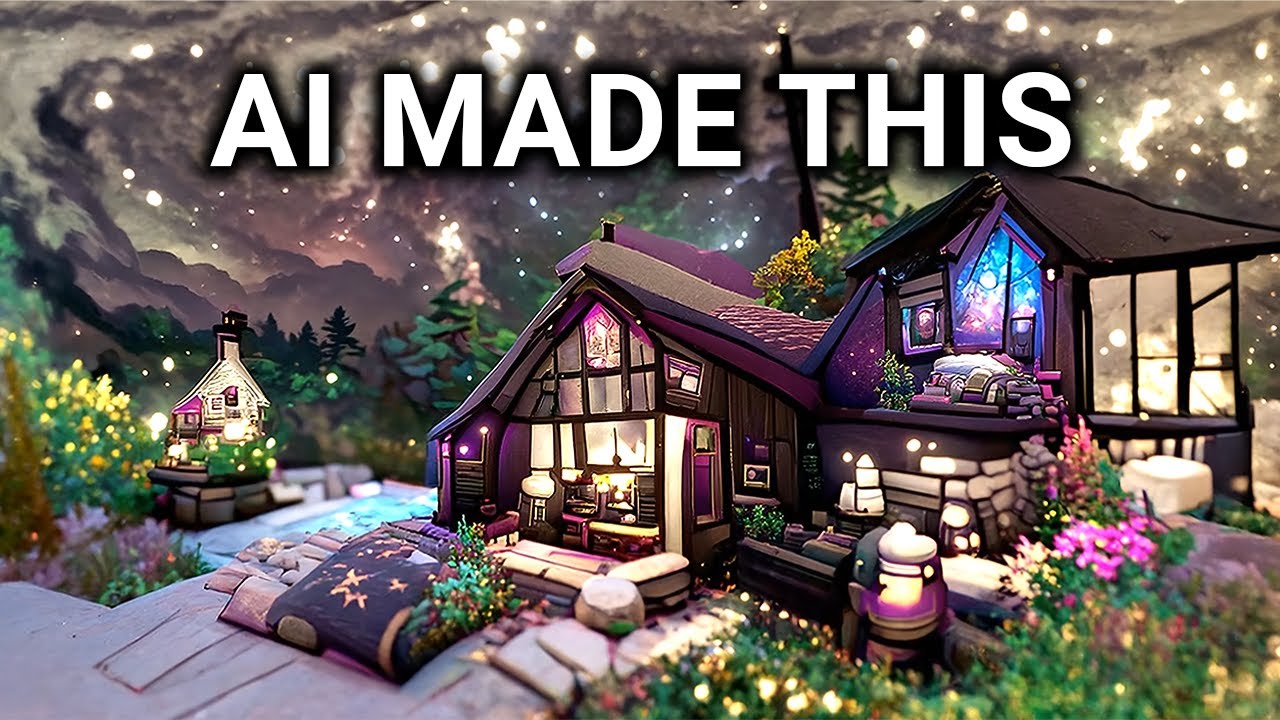
An AI music video generator is a web-based platform that uses artificial intelligence to turn songs (and often text prompts) into synchronized visual stories. These tools analyze an audio track's beats, rhythm, and mood and automatically generate matching video segments, effectively simulating a video production process.
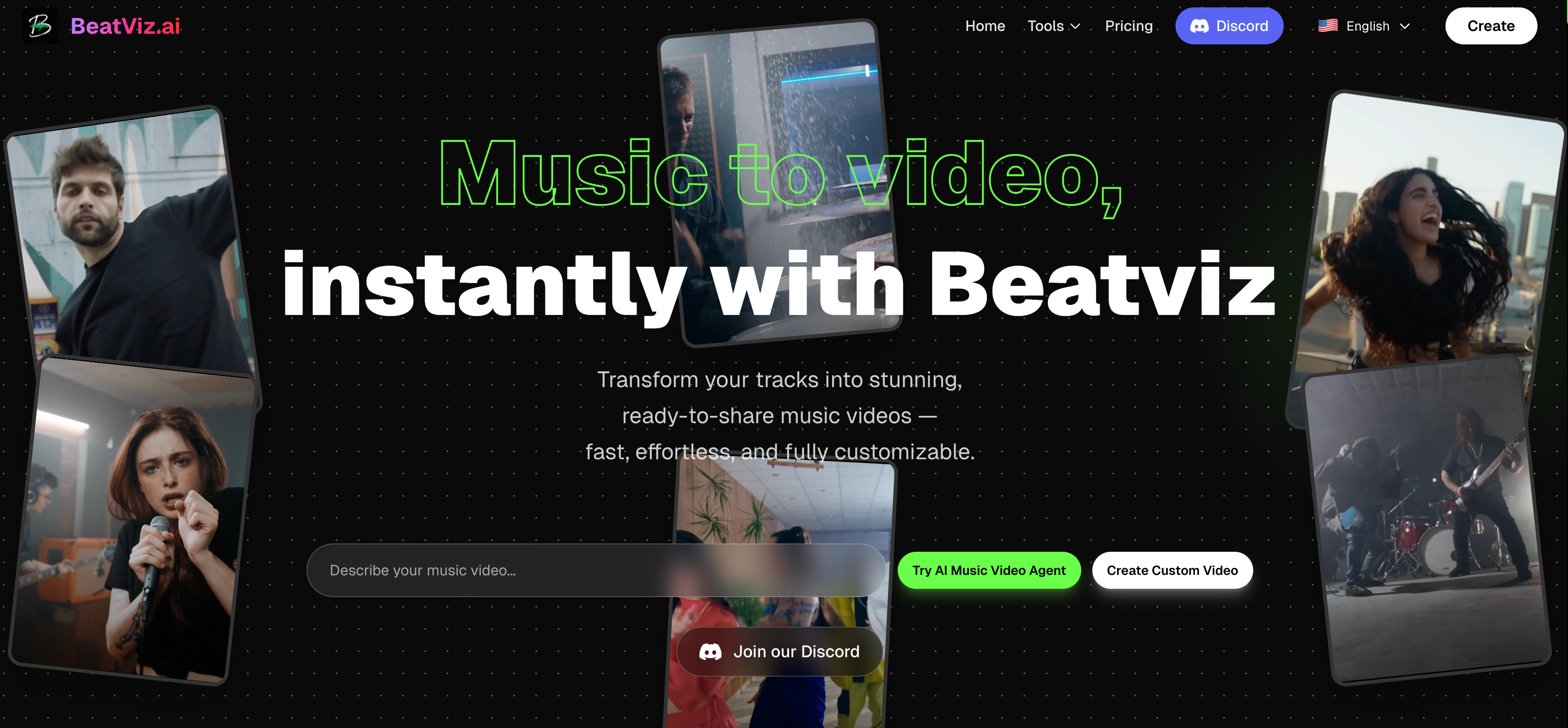
For example, BeatViz describes itself as 'a music video generation platform that transforms audio tracks and text prompts into synchronized, cinematic videos using advanced AI technology'. In practice, a user might upload a song and optionally describe a theme, and the AI will compose or select images/video clips that change on musical cues, edit them together, and even add effects – all without traditional manual editing.
What is an AI Music Video Generator
Benefits and Challenges of AI Music Video Generators
Benefits
AI video tools hugely lower the cost and time of music video production. Many such tools work instantly – you can upload a track and get a finished clip in minutes, rather than days of editing. They handle rhythm analysis and beat-sync automatically, so even novices end up with visuals that hit musical drops and choruses accurately. The platforms often include one-click 'magic effects' and templates, making it easy to apply professional-style effects without skill. In short, these generators let independent musicians, social media creators, and marketers produce fast, on-brand videos ready for YouTube, TikTok, etc. – something that once required big budgets.
Challenges
However, there are trade-offs. Early AI video tools often produced uncanny or inconsistent results, and even today the output can be unpredictable. Users must accept that they'll sacrifice some manual control – styles and scenes may need multiple tries or tweaks. Some platforms have limited editing tools, so fine-tuning a scene can be hard. AI may misinterpret prompts or create glitches. Another common pain is the pricing model: many sites use credit/token systems, so costs can balloon if videos are long or require regeneration. Finally, output quality may not match Hollywood-grade video, so these tools are better for pre-visualization or low-budget content. In summary, AI video generators deliver speed and ease at a low cost, but the trade-offs include less granular creative control, possible quality quirks, and complex credit-based pricing.
BeatViz: Overview and Key Features
BeatViz is a web-based AI studio tailored to music-centric videos. It segments audio tracks into scenes, then generates visuals for each segment based on text prompts or reference images. Users see a dual-pane editor: on one side they can tweak prompts or images, on the other side the generated clips are arranged and synced to the beat. BeatViz supports auto-prompting modes (so it can create a video with zero user prompts) and also lets you manually refine each scene's visuals if desired.
Key Features
BeatViz includes lip-sync capabilities that can animate characters' mouths to match any vocals in the track. The site touts a 'one-click viral magic effects' library – users can apply trending effects (like superhero transformations or green-screen looks) instantly. It also boasts an 'Auto-Sync Engine' that reads BPM and mood from the upload to time visuals perfectly to the song. The platform combines multiple top AI video models (Google Veo 3.1, Luma, Pika, etc.) so creators can access every top feature and style.
Ease of Use
BeatViz offers both a 'simple mode' for auto-generating scenes and a 'custom mode' for more control. Beginners can get started by uploading a song and letting the AI do the work, while advanced users can play with prompts and settings. The interface may look complex at first, but the segment editor and instant preview make it easier to manage long tracks without manual editing of every cut.
Pricing
BeatViz has a free tier and paid subscriptions. The free plan grants limited credits (20 credits) and allows only very short videos (up to 15 seconds). Paid plans unlock more credits, longer videos, higher resolutions, and watermark removal. For example, a Basic plan (billed annually) runs around $18.13/month and includes 1,716 credits per month. A Pro plan is about $34.90/month (annual billing) for 5,500 credits, and a Creator tier is $90.90/month for 15,180 credits. All paid tiers support 1080p output, commercial use, multiple aspect ratios (16:9, 9:16, 1:1), and faster processing.
Strengths
BeatViz's biggest strengths are its professional feature set and integration. It effectively compresses a full production process: 'Go from idea to final cut' in minutes. It offers precise control over models and resolution, and even generates fallback music or sound if no track is supplied. The segment-based approach allows regenerating just parts of a video rather than rerunning everything. It has a rich effects library and aims for viral-ready output with zero editing.
Weaknesses
On the downside, some users might find BeatViz's interface steeper to learn than simpler one-click tools. Because it has so many options, newcomers may need time to explore scene edits and prompts. Also, while it aggregates top AI models, the quality still depends on current AI capabilities; video generators sometimes falter on complex shots or creative prompts. Finally, the credit system means heavy users could burn through credits on long or multiple videos.

Freebeat: Overview and Key Features
Freebeat AI is another popular platform that brands itself as an 'AI Music Video Agent' for creators. Its core pitch is simplification: you describe your idea in a prompt (or upload a song link) and the agent handles everything – from storyboarding to editing. In practice, Freebeat takes a track (you can paste links from Spotify/YouTube/TikTok or upload your own file) and generates a complete video, including cuts, effects, and transitions, with no editing required.
Key Features
- •One-Click Magic Effects: It offers a library of over 70 creative AI effects (e.g. red carpet glamour, superhero scenes) that can be applied instantly to any clip. You can even transform a static image or a few shots into a stylized video.
- •Beat-Synced Videos: Freebeat automatically analyzes the rhythm and mood of your song to cut and pace the video. From user reviews, the AI matches lyrics and tempo very closely, even on fast verses.
- •Video Types: Aside from full music videos, Freebeat can specifically create dance videos (AI-generated choreography for songs) and lyric videos (animated lyrics). Its Text-to-Video (T2V) engine can also turn scripts or poems into short cinematic clips.
- •Integrated Models: Freebeat pulls in state-of-the-art AI models under the hood (Google Veo, Runway, Luma, etc.), so users get high-end visual quality without separately subscribing to those services.
Ease of Use
Freebeat is generally praised for simplicity. The interface is designed to feel like chatting with an agent: you 'describe your idea' in plain language and hit a button. Ease-of-use is Freebeat's biggest strength, with a simple, intuitive interface that consistently earns high marks. Many user testimonials note how minimal input is needed – the AI handles scene creation and editing, so beginners can get a finished result with almost no manual work.
Pricing
Freebeat uses a freemium model. The Free plan (no cost) gives you a limited number of credits (500 credits) and lets you make short clips (up to 30 seconds) with basic speed and a watermark. The Basic plan is about $6.99 per week (with a 30%-off coupon: $4.99/wk) and provides around 1,990 weekly video credits. The Standard plan is $13.99/mo ($9.99 when billed monthly) with 3,000 monthly credits. The top Pro plan is $34.99/mo ($24.99 discounted) for 10,000 monthly credits and 1080p output. Annual billing (30% off) is also available.
Strengths
Freebeat's standout strength is speed and automation. Users report it can turn a song into a polished video 'in minutes'. It really shines at making short-form, viral-ready videos without editing effort. The platform also offers excellent accessibility features: for example, 'free captions' (auto-generated subtitles) come with its lyric videos. Its large user base ('100,000+ users, 4.9 rating') suggests a lot of people find it effective. It handles diverse sources well – from AI-generated music (Suno, Udio) to live recordings, syncing even difficult rhythms reliably.
Weaknesses
Because Freebeat is so automated, it offers less fine control. More experienced creators may find it limiting: you get great results out-of-the-box, but you can't easily tell it to change just one frame or override a style (aside from using different prompts or effects). The platform's pricing system (credits for seconds) means very long or complex videos can become expensive in tokens. Since Freebeat packs in many features (dance, lyrics, T2V), the interface can feel busy; new users may need time to explore all options.
Onemoreshot: Overview and Key Features
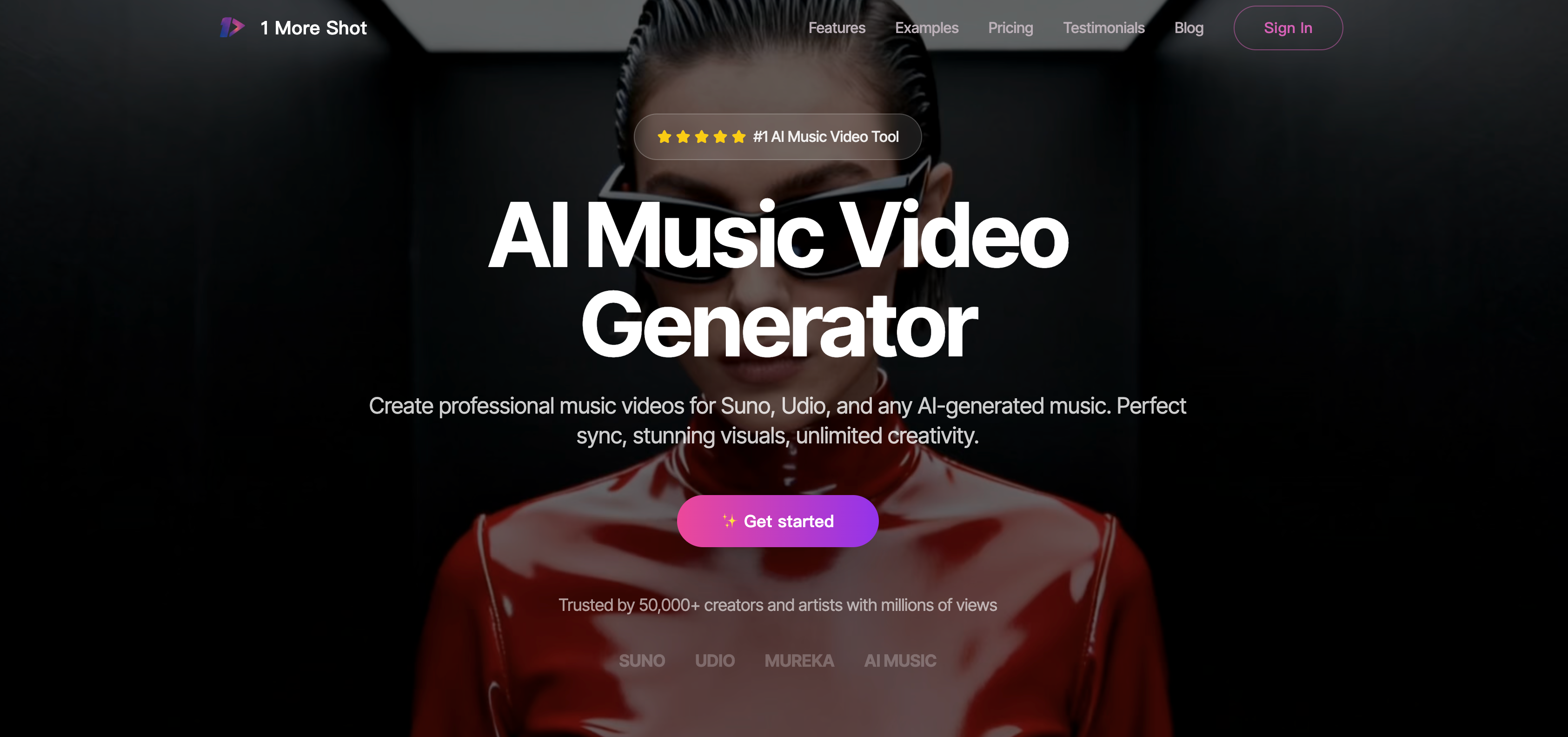
'1MoreShot' (often called Onemoreshot) is another AI music video generator focused on speed and ease. It emphasizes a quick, turnkey experience: upload a track, choose a style or prompt, and get a video ready for social media. It produces 'synced lip movements and lively visuals' that match the song's mood. It supports multiple aspect ratios automatically so you can publish to TikTok or YouTube without extra formatting.
Key Features
- •AI-Driven Creation: The engine is designed to turn a single idea or uploaded song into a final video in just minutes. It handles everything from matching the music (even vocals) to generating background scenes.
- •Lip-Sync: A highlighted feature is precise lip synchronization. The AI attempts to animate any vocals (or characters) so mouth movements match the lyrics or beat. This aims for a more realistic feel.
- •Custom Characters/Scenes: The user can customize certain elements like characters or scene style. The platform allows scene adjustment and character creation options.
- •Multiple Formats: It outputs in common formats and resolutions, so videos can be used on Instagram, YouTube, etc., without further editing.
Ease of Use
Reviewers praise Onemoreshot's intuitive workflow. Setup is straightforward – just upload a track, pick a style, and watch it work. The interface is described as beginner-friendly, and even non-technical musicians produce 'professional-looking' videos without knowing any editing software. Key features like lip-sync and format presets are handled automatically, reducing user steps.
Pricing
Onemoreshot uses a token-based system. There's a limited free tier, but specifics aren't widely advertised. The first paid plan, called Super, is roughly $8.25 per month (when billed yearly). This gives about 6,000 tokens per year – approximately enough to generate 25 minutes of video (at 720p). Higher plans (e.g. Ultra) offer more tokens (around $16.50/mo and up). Token costs depend on video length and settings, so users say costs must be watched carefully.
Strengths
Onemoreshot's strongest points are speed, quality, and simplicity. It delivers 'fast and easy video creation' with 'high-quality output' suitable even for social media and pro use. The platform features excellent lip-sync accuracy and vivid, engaging visuals matched well to the music. It works well with AI-generated music sources like Suno or Udio, seamlessly capturing their vibe. If it lives up to its promise, Onemoreshot can turn a song into a polished video with minimal effort and very quickly.
Weaknesses
Onemoreshot currently has mixed feedback on reliability. Several users warn of support and quality issues. Some claim the AI often ignores prompts, produces low-quality output, and consumes tokens at unpredictable rates. Others report poor customer service and misleading pricing math. Also, like most generators, it has limited editing tools – you can't dive deep into every frame. Onemoreshot's feature set is narrower than some rivals (it doesn't explicitly tout dance or lyric modes). Its token economy and service quality raise caution; potential users should test it thoroughly before committing to a paid plan.
Comparative Analysis
The table below highlights the key differences in pricing, ease of use, visual effects, and AI quality across BeatViz, Freebeat, and Onemoreshot:
| Feature | BeatViz | Freebeat | Onemoreshot |
|---|---|---|---|
| Pricing | Free tier (20 credits; ~15s clips). Paid plans (annual): Basic ~$18/mo, Pro ~$35/mo, Creator ~$91/mo. Credits system (higher plans include thousands of credits). | Freemium. Free plan (500 credits; up to 30s videos). Basic ~$5/wk (1,990 weekly credits). Standard ~$10/mo (3,000 credits). Pro ~$25/mo (10,000 credits, 1080p). Plans shown with discounted pricing. | Token-based. Free tier (limited tokens). Super plan ~$8.25/mo (billed annually) for ~6,000 tokens (~25 min of video). Higher tiers (Ultra, etc.) offer more tokens (~$16–$83/mo levels). Costs depend on video length and quality settings. |
| Ease of Use | Semi-automated workflow. Offers both one-click auto generation and manual scene editing. Beginners can upload a track and get a video, but advanced users can fine-tune each segment. Learning curve is moderate due to many options, but dual-pane editor streamlines editing. | Highly automated. Marketed as an AI 'Agent' that handles all steps. Users just give a music link and simple prompt. The interface is praised as simple and intuitive, requiring virtually no video editing skill. Most work is done automatically. | Extremely easy setup: upload track, pick style, and get output. Reviewers note it's 'surprisingly easy for someone without video editing skills'. The interface is streamlined with preset formats. Downside: little manual control beyond prompts/effects. |
| Visual Effects & Features | Segment-based visuals: lets you use text prompts or images per scene. One-click trendy effects (e.g. superhero, red carpet) available. Supports 16:9/9:16/1:1 ratios and 720/1080p. Aggregates many AI models for diverse styles. Also includes original audio generation and lyric/media tools. | 'Magic Effects' library: 70+ AI effects for style transformations. Special modes for dance videos (AI choreography) and lyric videos. Integrated with top models (Pika, Runway, Google Veo, etc.) for high-quality imagery. Output formats ready for social (auto-crops). Watermark removed on paid plans. | Professional-style output: focuses on polished, social-ready visuals. Ensures precise lip-sync (realistic mouth movements). Offers some customization (scene/character style). Supports multiple aspect ratios/formats automatically. Drawbacks: fewer fancy 'themes' than Freebeat and no explicit dance/lyric modes. |
| AI Quality (Sync & Realism) | Good beat-sync and cinematic potential (uses advanced models). Creates 'perfectly synced visuals' by analyzing rhythm and emotional elements. Users get professional-grade results according to company. Must still watch for typical AI artifacts. | Very good at rhythm and mood matching. Many users report 'spot-on' sync on lyrics and tempo. Integrates latest video models, so results are often high-quality and dynamic. Occasional AI oddities may appear, but the agent workflow minimizes manual timing errors. | Generally good on quick outputs. Review praises its 'lively visuals that matched the mood perfectly' and 'excellent lip sync accuracy'. However, some users complain its real-world output can be inconsistent. Quality seems high for short social clips, but may lack depth for complex edits. |
From this comparison, we see that BeatViz targets users who want a balance of automation and control – it offers granular scene editing and model choice for a somewhat steeper price and learning curve. Freebeat is the most beginner-friendly, emphasizing rapid, hands-off video creation with built-in effects and dance/lyric specializations. Its pricing is also the most flexible (weekly or monthly, low entry cost). Onemoreshot prioritizes speed and professional polish (especially lip-sync), but its token pricing and reported quality control issues suggest caution.
Conclusion
AI music video generators are transforming how creators produce visual content for their music. Tools like BeatViz, Freebeat, and Onemoreshot showcase how far the technology has come – from automated beat-sync to cinematic effects and lip-sync capabilities.
As of 2026, the choice between them depends on your priorities. If you want maximum automation and affordability, Freebeat might be the best fit. If you need fine-grained editing and top-tier AI models, BeatViz stands out. If speed and ready-to-share social clips are your goal, Onemoreshot could work (with some caution about its rough edges).
All three showcase how AI is transforming the creative workflow – and they continue evolving, so it's worth keeping an eye on updates and user feedback as the technology matures.